Channekt › eBay template builder
eBay listings that sell, designed by AI
Start from 100+ ready-made designs or describe the page you want. The assistant changes colours, fonts, layout and sections as you ask, and your products, best sellers and categories fill themselves in on every listing.
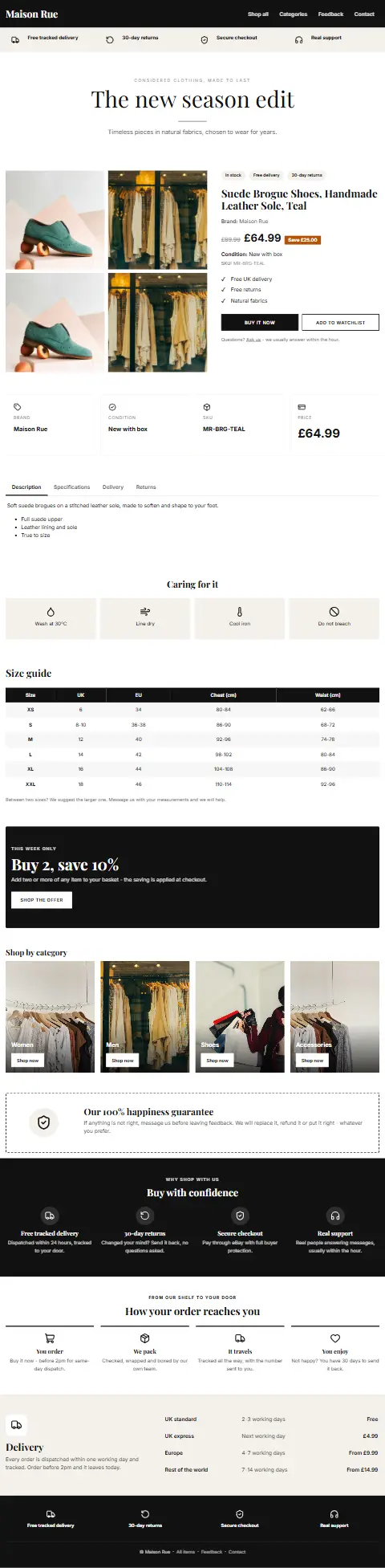
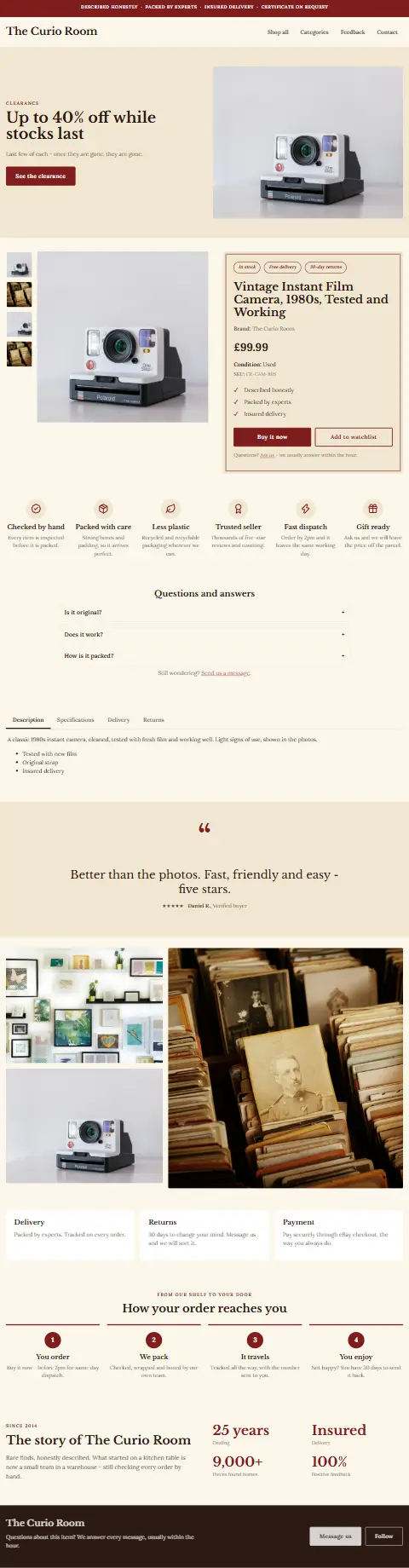
100+ designs, each its own page
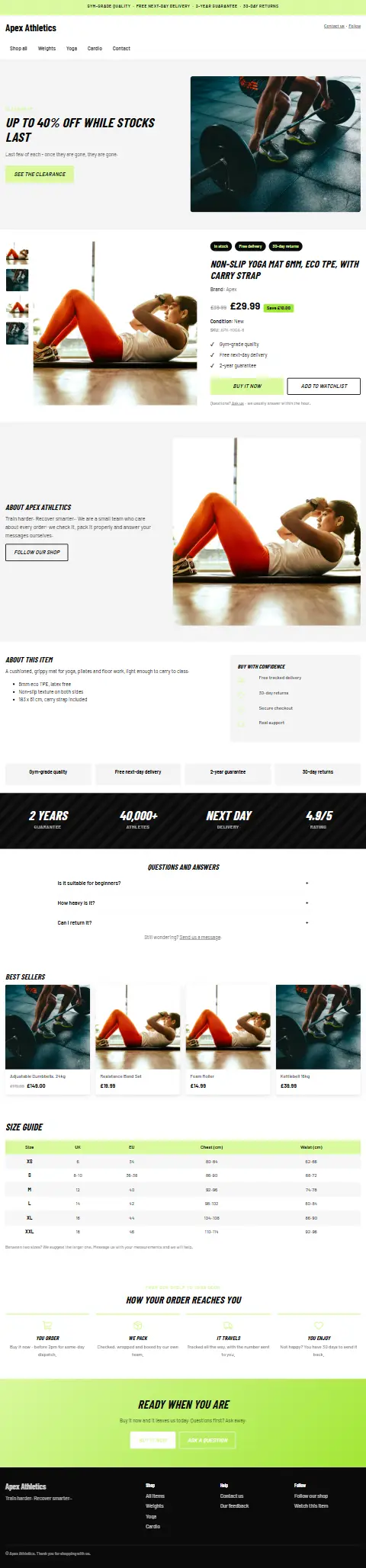
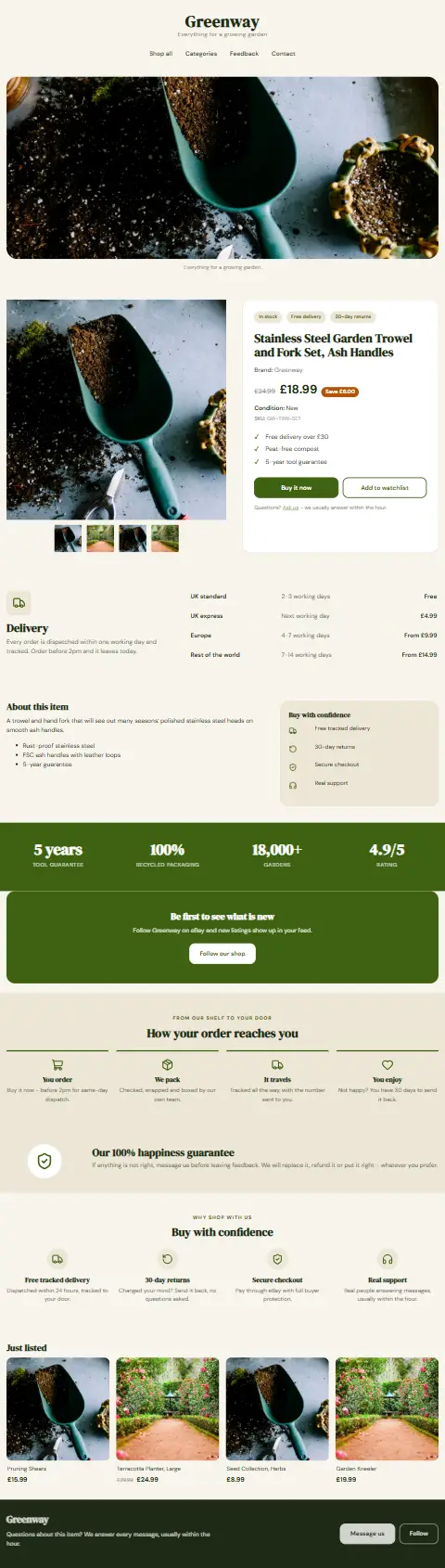
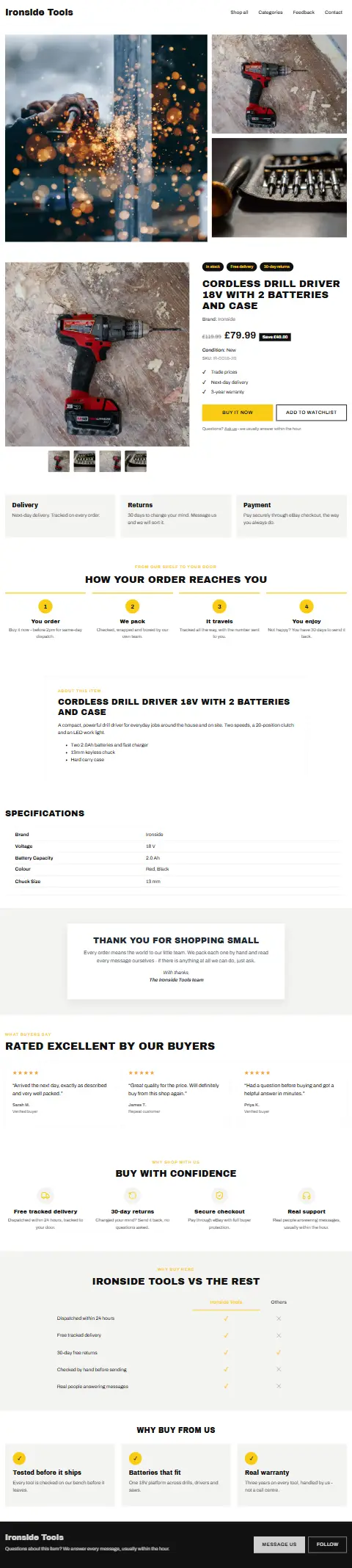
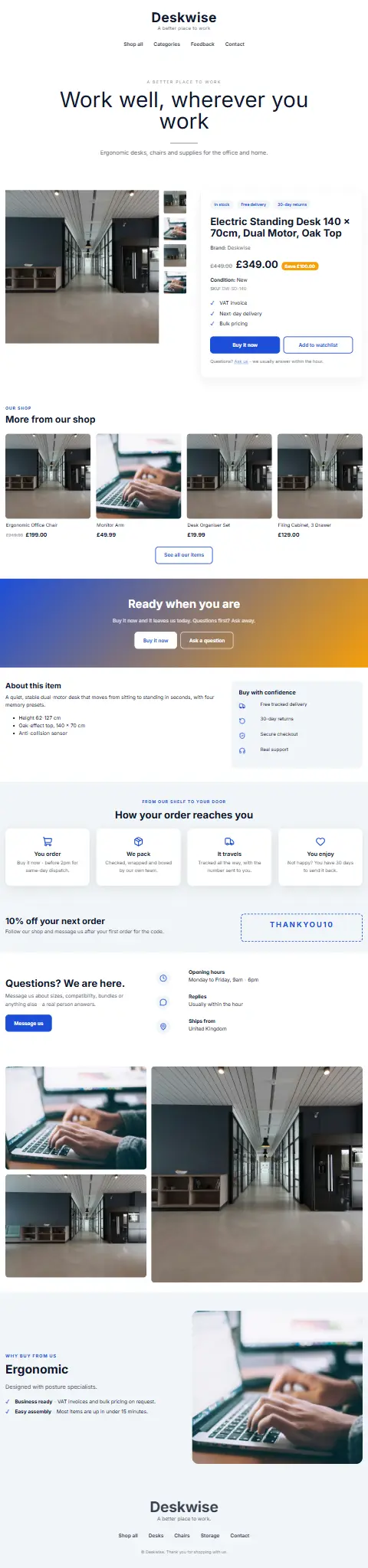
Ten visual styles across every category, from a short, simple page to a rich one with reviews, size guides, delivery tables and product lists. Every design is built from the same sections you can add yourself, so nothing is locked. Point at one to see the whole page.




Say what to change. It is done.
Type what you want in plain words, or click a piece first and say what to do with it. Everyday requests are understood straight away and cost nothing; anything more ambitious goes to the AI. One request is one step, so Undo takes it back whole.
Everything on the page, editable by clicking it
Drag, drop and rearrange
Add any of 100+ sections - reviews, steps, offers, galleries, size guides, comparisons - and drag them into place. Layers show the whole page as a tree.
Fonts, colours and icons
100 Google Fonts previewed in the picker, a theme that colours every piece at once, and 1,800+ line icons with a search.
Desktop and phone
Style each piece for computers and phones apart, hide what a phone does not need, and give menus a burger on small screens.
Product lists that update themselves
Similar items, best sellers, just listed or products you choose, filled from your live listings every time a description is written.
Change once, live everywhere
Styles are hosted and linked, so a new colour or font reaches every listing that uses the template within minutes, without revising one.
HTML and CSS when you want it
See the code a design sends, add your own CSS, or write a template by hand with its CSS kept apart and hosted.
Interactive pages with nothing eBay refuses
No active content
Galleries, tabs and accordions work with CSS alone. No scripts, forms or frames, which eBay removes or refuses.
Your own pictures
Every product photo and every picture in your media library, with folders, one click away in a large picker.
Preview with a real product
Fill any template with a product from your catalogue and open it in a new tab, at computer width and in a phone frame.
Before you start
Is the template builder really included?
Yes. Every plan, including Starter, has the builder, every ready-made design and the assistant.
What does the AI cost me?
Nothing extra. Everyday requests - colours, sizes, fonts, adding, moving and removing sections, product list settings - are answered without the AI at all. Requests that need it come from a daily allowance included in your plan.
Do I need to know HTML?
No. Everything is edited by clicking it. If you do know HTML and CSS, the code is there to see and change.
Which marketplaces use the templates?
eBay. Choose a template for a connection, or for some of its products through a listing profile, and it is used for every description written from then on.
Design your first listing
Start a 14-day trial, pick a design and make it yours.